How to add the Hydrologic System Overview plugin
The Hydrologic System Overview plugin sets up the Water Overlay and installs a dashboard created to analyze results. For each Water Level Area identified by the Water Overlay a dashboard instance is created. The follow how-to describes the steps required to install this dashboard. This installer can be found on the Public Share, under Plugins.
How to add the Hydrologic System Overview plugin:
- Select Current Situation in the ribbon bar
- Hover over Panels and select Find more in Public Share
- Navigate to Plugins
- Inspect the file named hso.txt
- Click on the import button
- Select the option Import Text Panel in the File Handler panel.
- The installers opens in the viewer panel with the title "hso"
- Follow the steps to install the HSO
- Once finished, an instance of the Hydrologic System Overview will open.
-
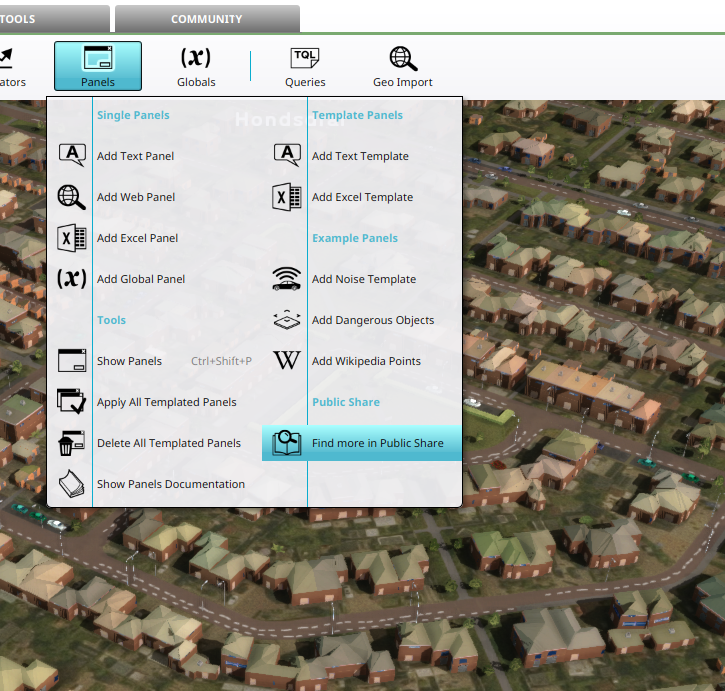 Find more on Public Share option found in the Panel Popup.
 -
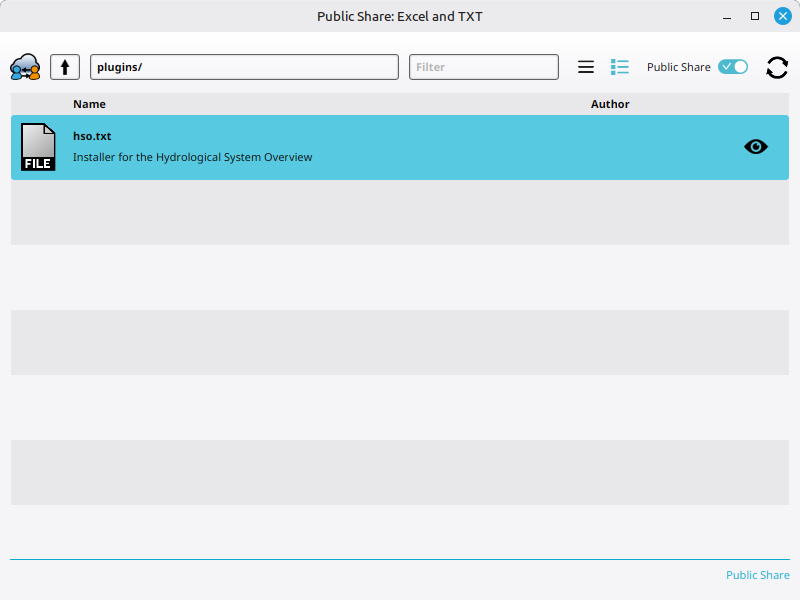 The Hydrologic System Overview installer found on the Public Share.
 -
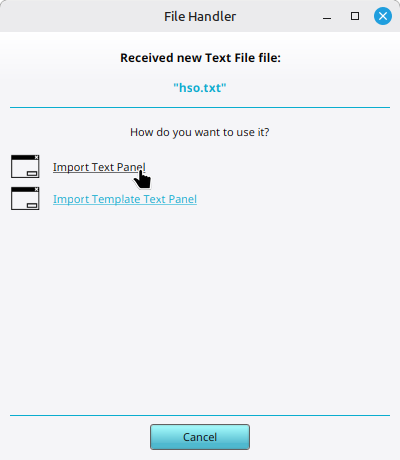 Importing the installer as a new Text Panel.
 -
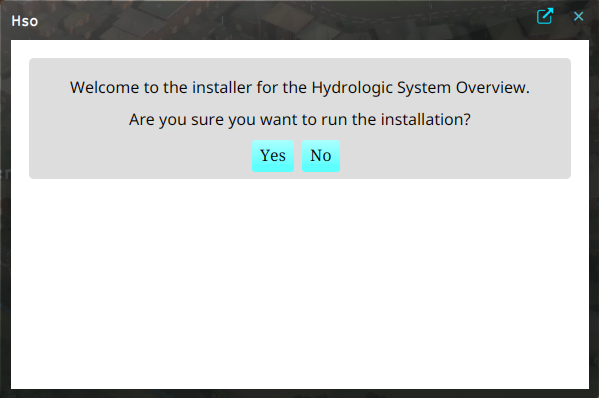 Installer opening message shown when opening the imported text panel.
 -
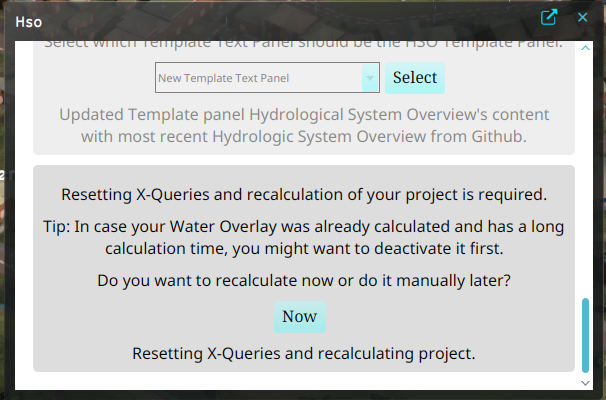 Recalculating the project after installing the required components for the dashboard.
 -
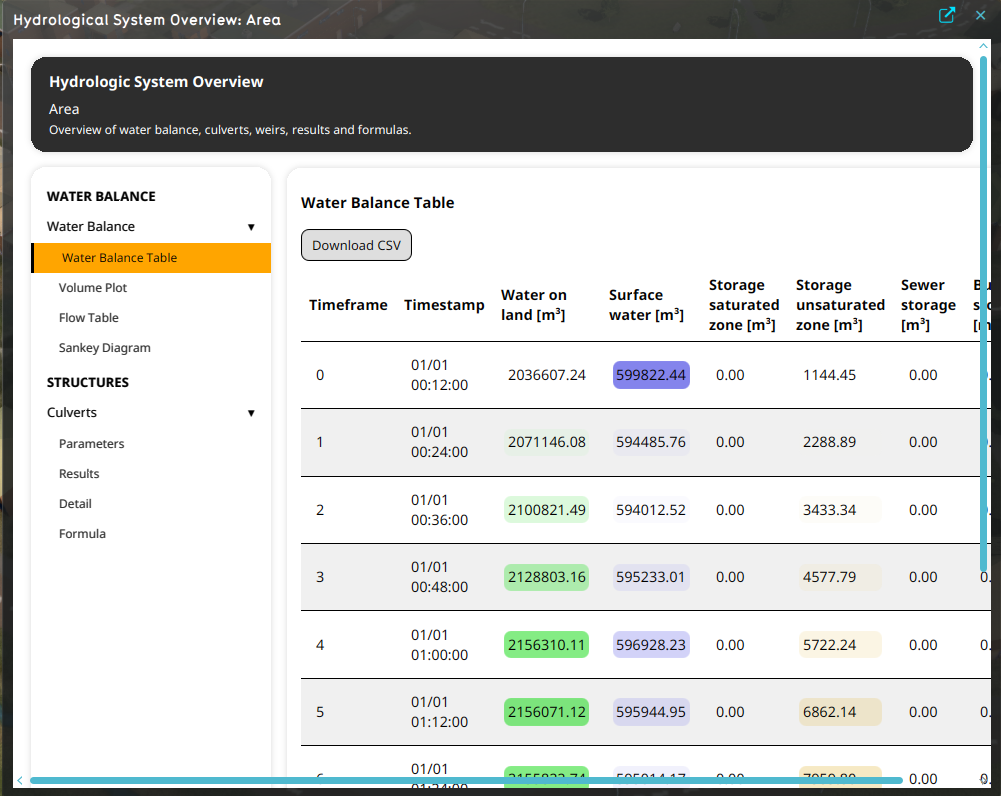 Instance of the HSO Dashboard for the added Water Level Area.


