Avg terrain width m (Water Overlay): Difference between revisions
Jump to navigation
Jump to search
No edit summary |
No edit summary |
||
| Line 1: | Line 1: | ||
[[File:Wateroverlay_wizard_avg_terrain_width.png|thumb|right|Average terrain width can be configured in the Simulation Settings step, when the surface water mode set to '''Avg Terrain'''.]] | |||
{{Overlay attributes|<onlyinclude> | {{Overlay attributes|<onlyinclude> | ||
{{Overlay attributes|type=row|overlay=Water | {{Overlay attributes|type=row|overlay=Water | ||
Revision as of 12:27, 29 January 2024

| Icon | Attribute | Unit | Range | Description | Default value |
|---|---|---|---|---|---|
 |
AVG_TERRAIN_WIDTH_M | m | With the surface water mode set to Avg Terrain, identified water average areas can be extended to include surrounding terrain within the configured distance. | 1000 |
This allows water on land to be averaged with the waterways. Water on land that can be averaged has to be higher than the configured AVG_TERRAIN_STORAGE_M.
-
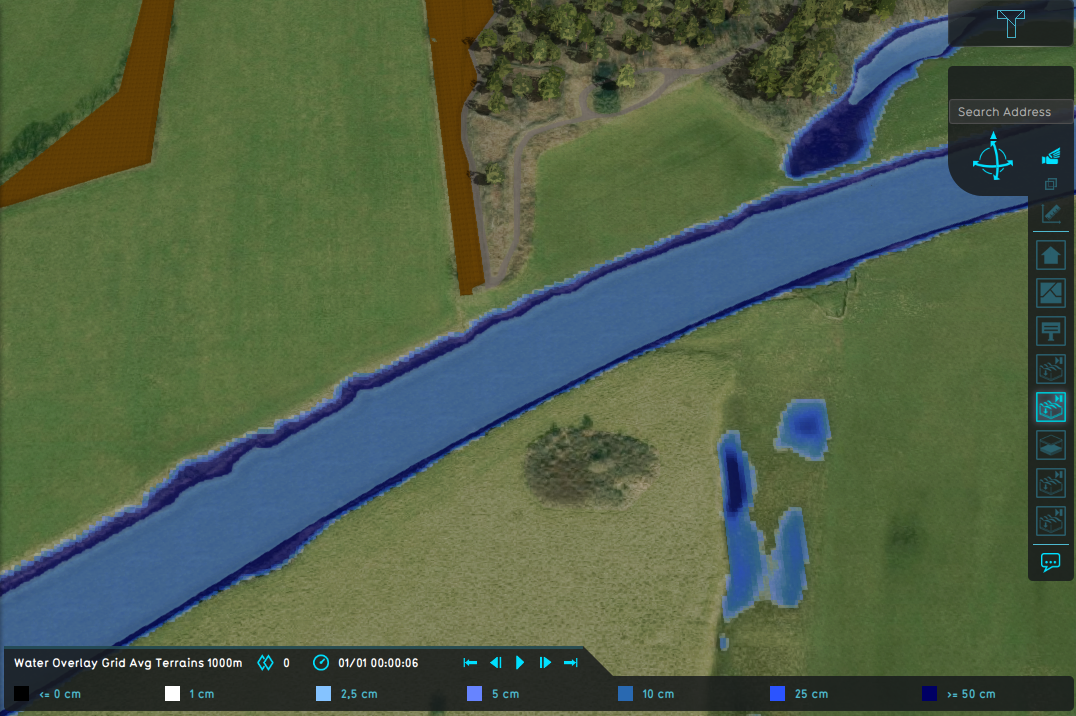 Water Overlay with set to Grid Averaging Terrains and an average terrain width of 1000m.
 -
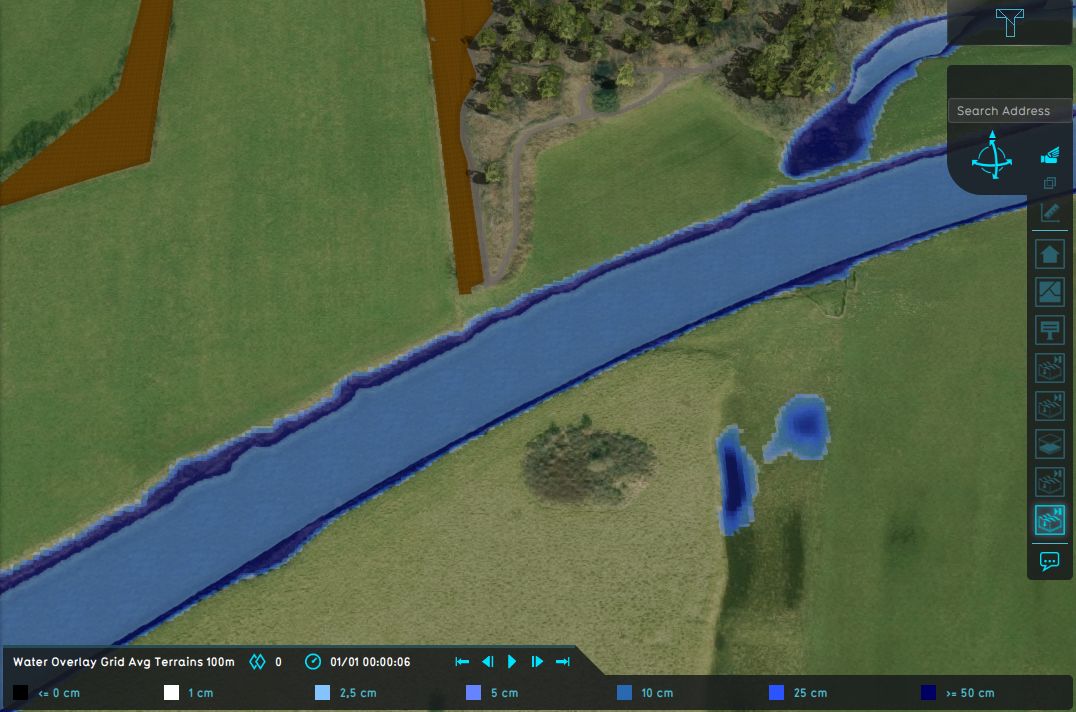 Water Overlay with set to Grid Averaging Terrains and an average shore width of 100m.
 -
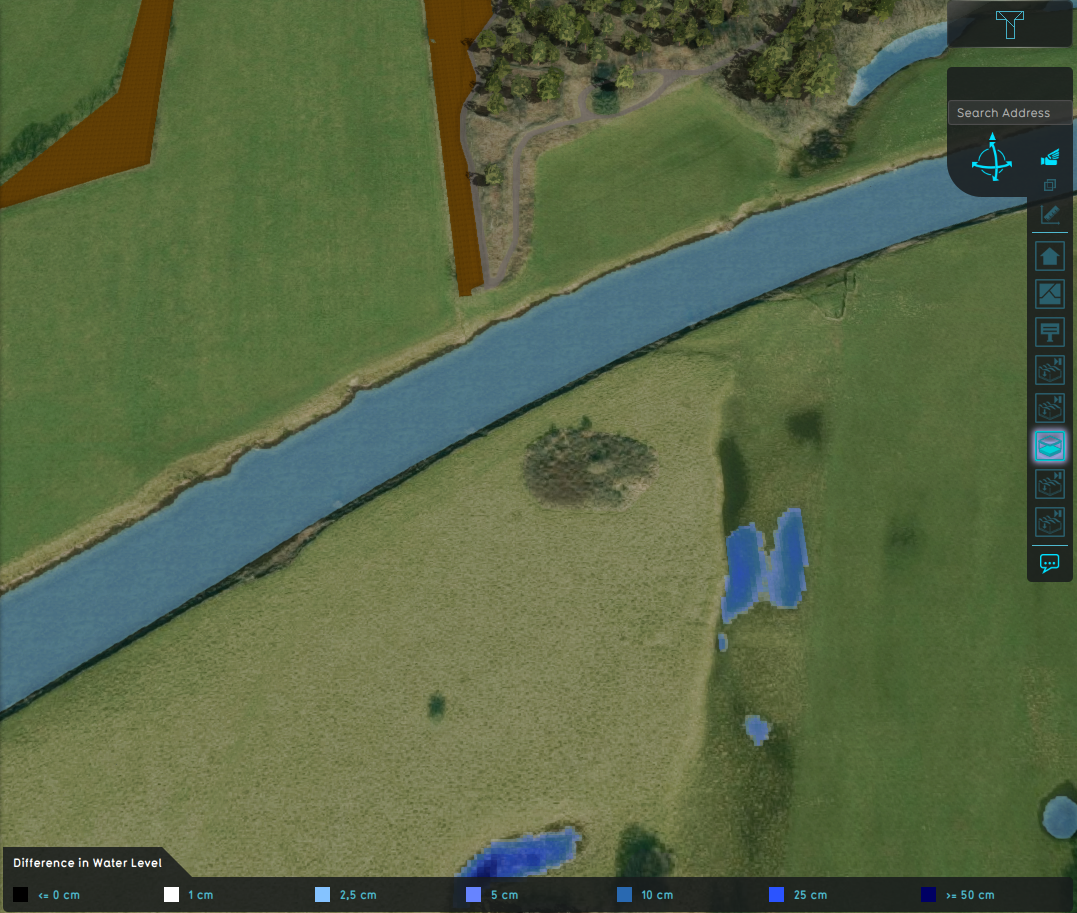 Difference in water level.





- Group
- Model attributes
- Allowed water increase m • Avg shore width m • Avg terrain width m • Avg terrain storage m • Breach measurement distance m • Bridge elevation • Culvert dem threshold m • Design flood elevation m • Ground bottom distance m • Ground bottom pressure m • Ground water • Ground water depth m • Ground watertable with surface • Impact flood threshold m • Impact range m • Increased resolution • Infiltration factor s
- Limit area • Limit rain • Max infiltration m • Max water bottom m • Microrelief storage fraction • Min max elevation • Object entry correction • Prequel surface level relative • Rise rate distance m • Sewer overflow threshold • Shoreline • Duration min level m • Stabilizer angle • Start date ms • Surface water • Surface water evaporation factor • Timeframe times • Timeframes • Trim manning • Trim evapotranspiration • Trim root depth • Trim ground infiltration • Trim ground conductivity • Trim shoreline conductivity
- Related