How to change heightmap based on vector data
This How-to contains the steps on how to add a Grid Spatial to a Measure, that will adjust the DTM when the Measure is applied. Additionally, the Terrain Type can be altered. The region where this Grid Spatial is applied can be determined automatically or supplied manually.
-
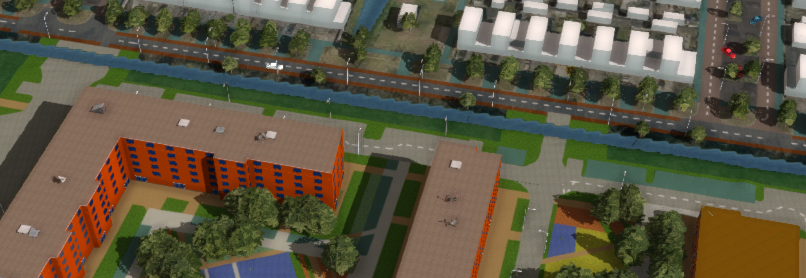 Original Measure of City Plan with bridge connections situated under water and on sloped terrain.
 -
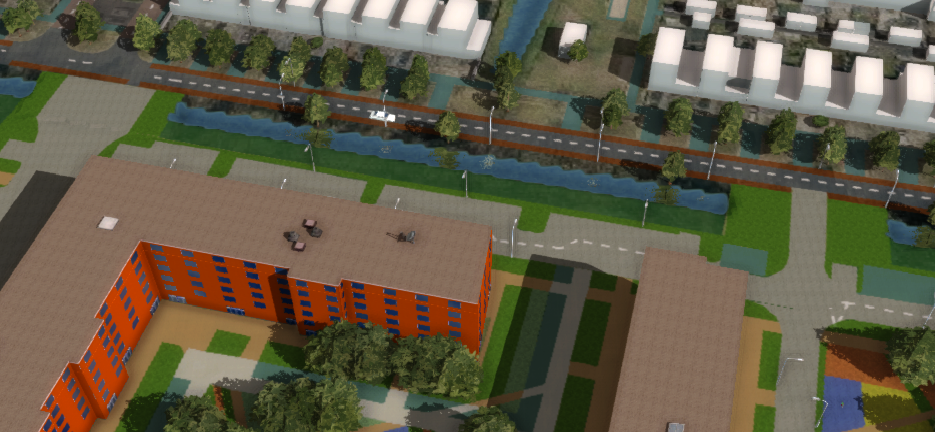


How to change heightmap based on vector data:
-
Add a Grid Spatial to a selected Measure
-
Add a Grid Overlay to a Grid Spatial
-
Uncheck the option Calculate Area from Grids Automatically and click on Draw Area
-
Draw a manual selection for the Grid Spatial
-
Adjust the Terrain Type
