How to calculate only a part of the Project map
Jump to navigation
Jump to search
How to calculate only a part of the Project map:
- Hover over the Calculation Cloud in the ribbon bar
- And click on the Entire Map link.
- In the Area Selection Panel, select an Area that the calculation should be limited to.
- Confirm the selection
- Click on the Calculation Cloud icon to recalculate.
- Once the calculation has completed, select Overlays in the ribbon bar.
- Select any active Grid Overlay that was just calculated.
- Zoom out by clicking on the Entire Map button in the Navigation Panel
- Notice only a subsection of the project area is calculated.
-
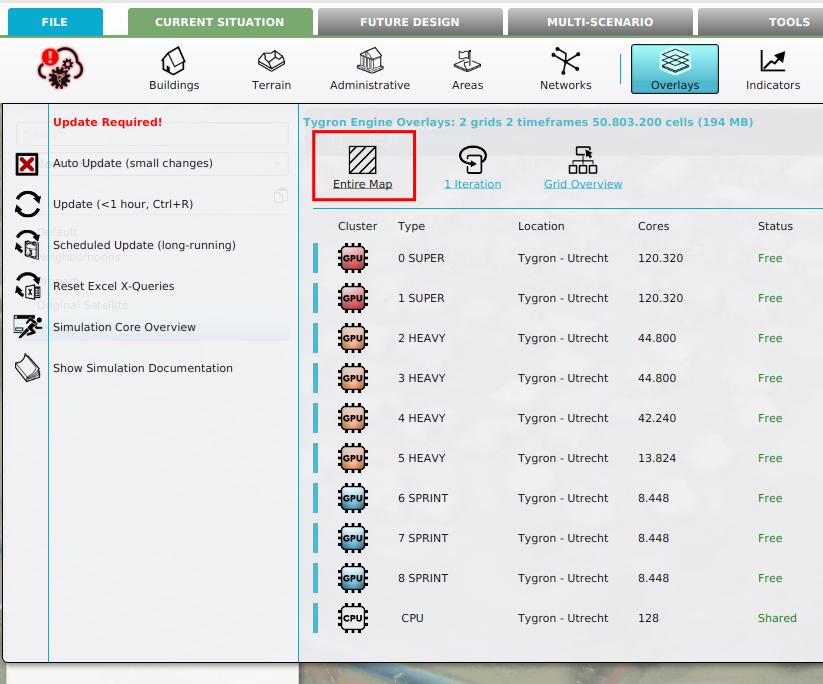 Selecting the entire map link in the Calculation panel
 -
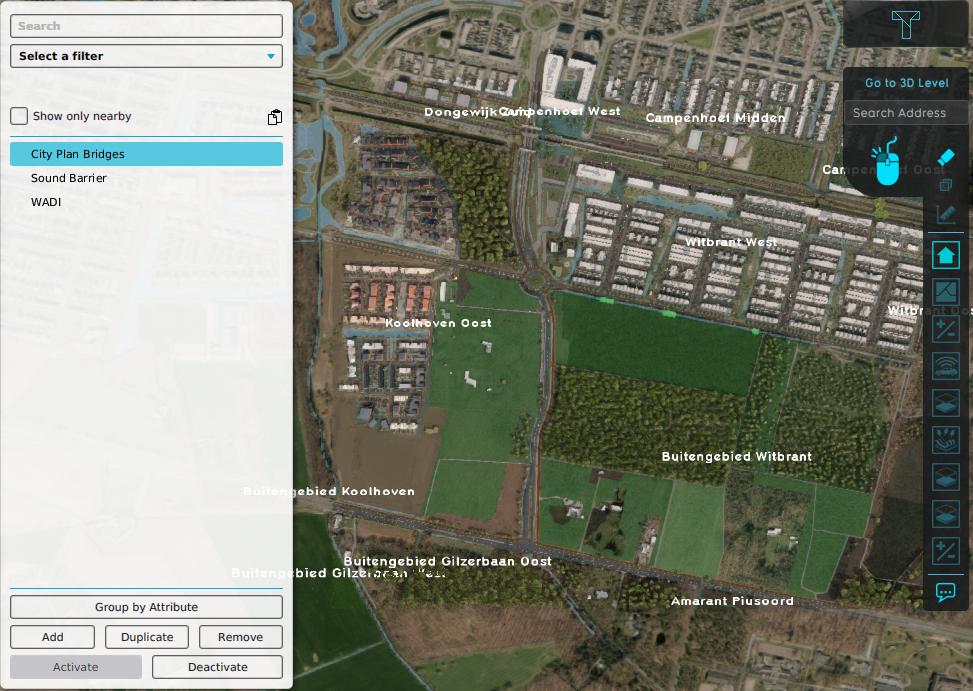 Selected City Plan Bridge areas in the Demo Dxf Import Project
 -
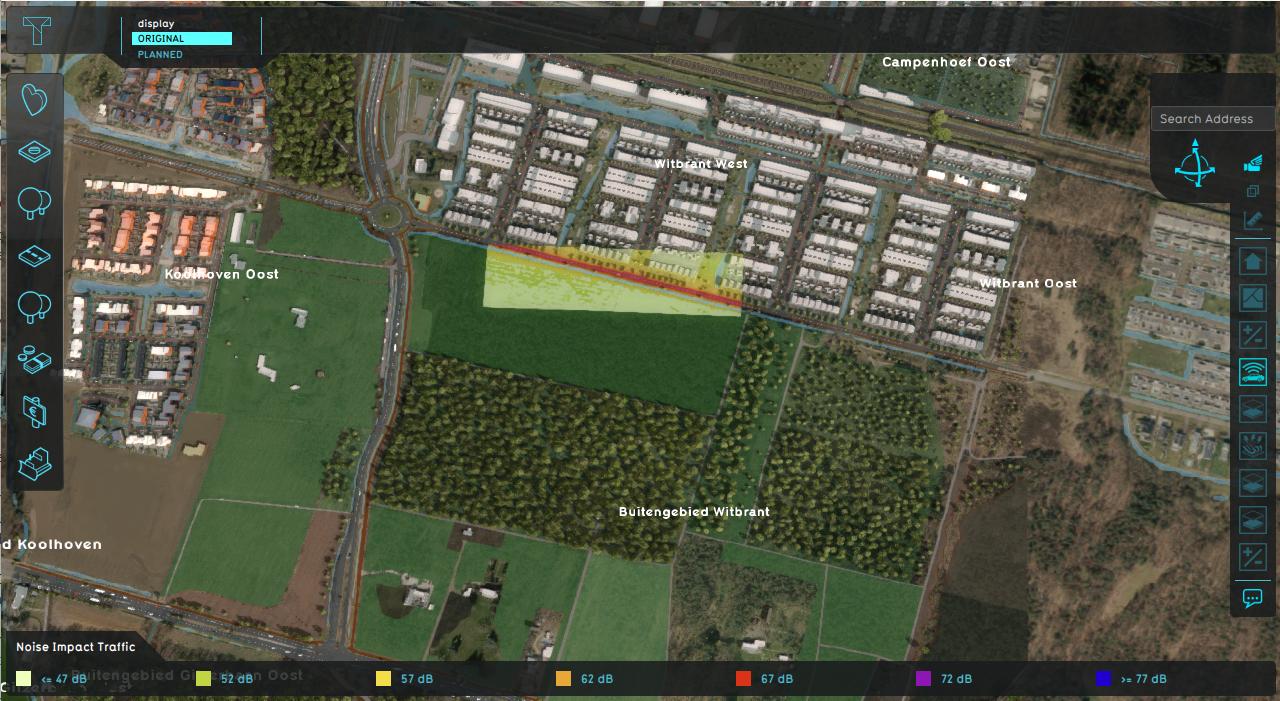 Limited calculation result of a Traffic Noise Overlay


Limit Margin
In case Limit Margin is used in combination with a Limit Area, a Combo Overlay can be used